 TechSmart
Touchpad
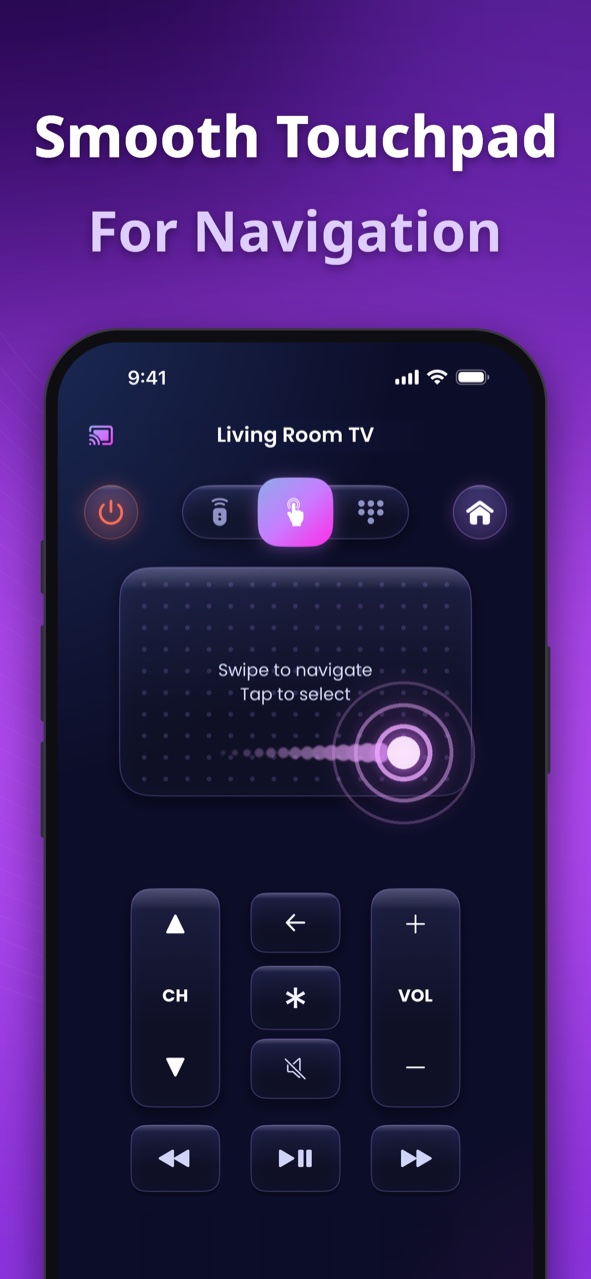
Glide through menus like a trackpad
Swipe to move, tap to select. Flick through long rows of shows and streaming apps the way you'd use a laptop trackpad.
 TV Remoteby TechSmart
4.5 on the App Store
TV Remote turns your phone into a universal remote for Samsung, LG, Roku, Fire TV, Apple TV, Vizio, Google TV, VIDAA and Xumo. Swipe the touchpad, type with your keyboard and open your favorite apps in one tap — all over your home Wi-Fi.
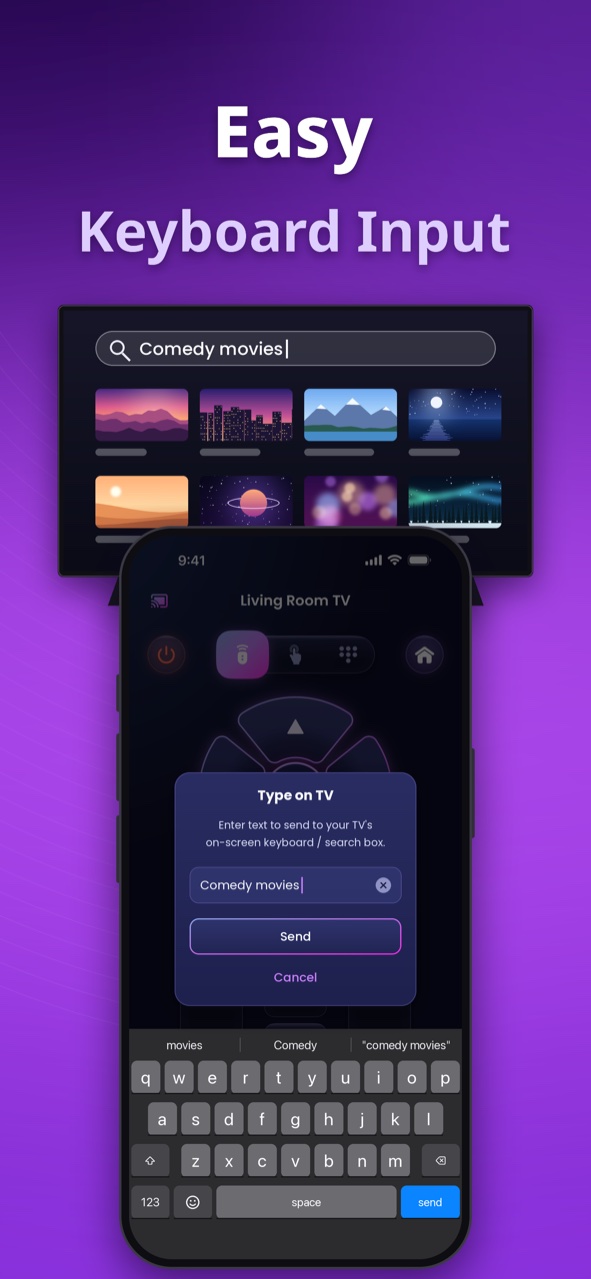
Enter text to send to your TV's on-screen keyboard or search box.
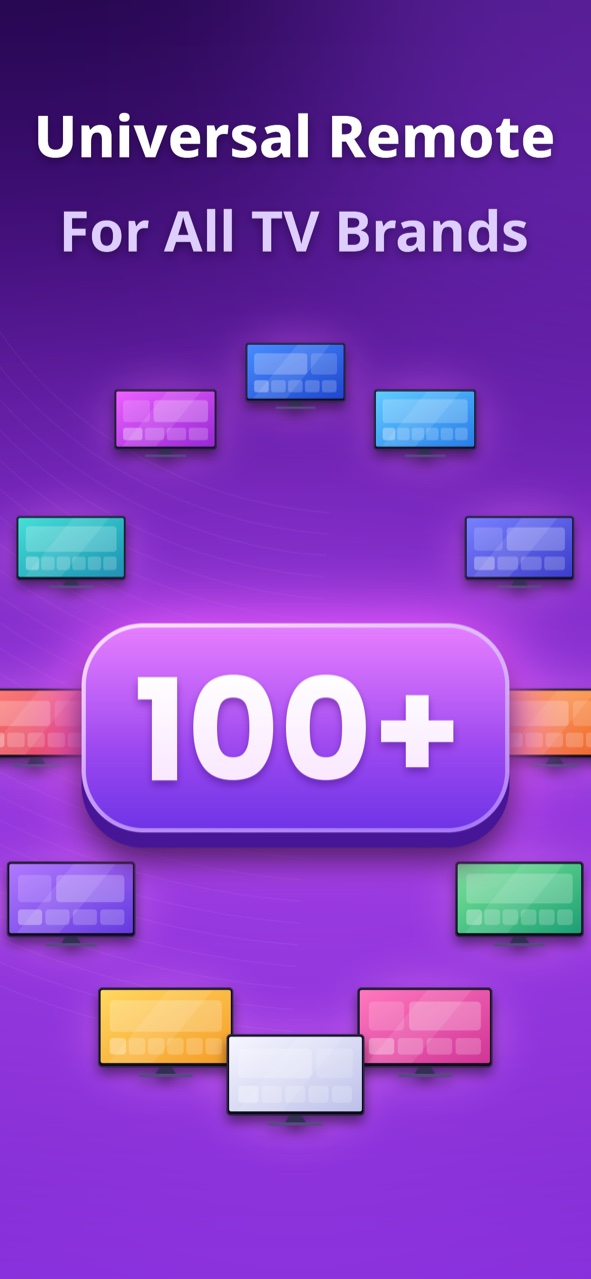
Nine Smart TV platforms — and every brand built on them.
Supported platforms: Samsung, LG, Roku, Fire TV, Apple TV, Vizio, Google TV, Android TV, VIDAA and Xumo — including brands such as Sony, TCL, Hisense, Toshiba, Insignia and onn. Xbox consoles on iPhone and iPad.
Samsung (Tizen), LG (webOS), Roku, Fire TV, Apple TV, Vizio (SmartCast), Google TV / Android TV, VIDAA and Xumo — plus Xbox on iPhone & iPad.
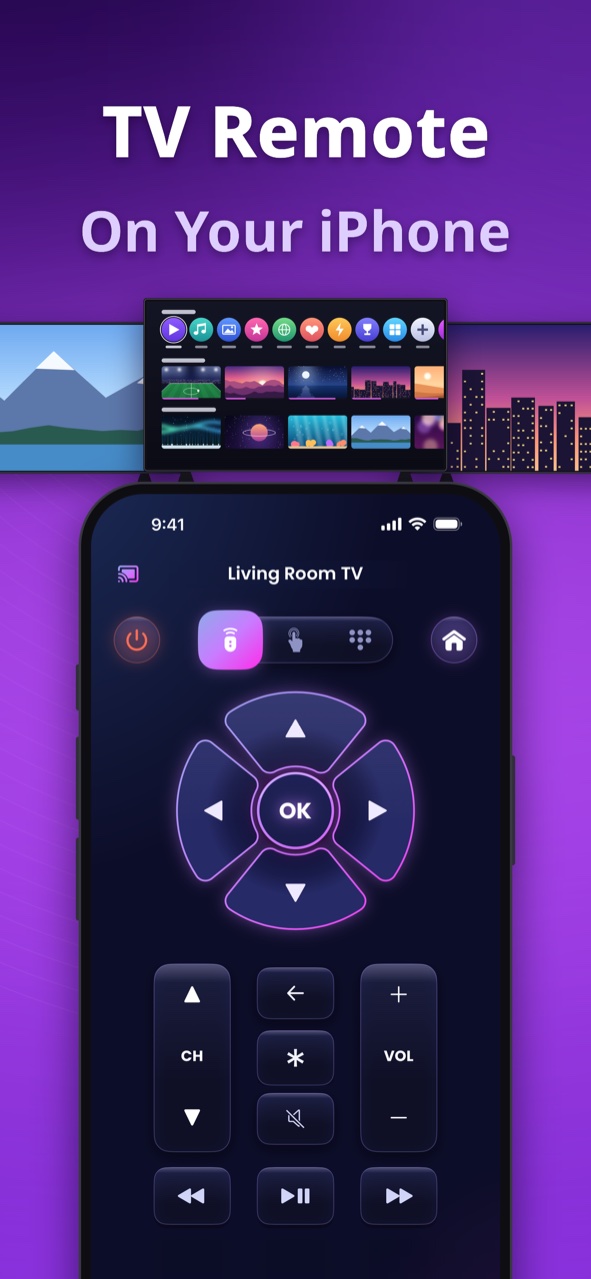
A full set of controls, redesigned for the phone that's already in your hand.
Swipe to move, tap to select. Flick through long rows of shows and streaming apps the way you'd use a laptop trackpad.
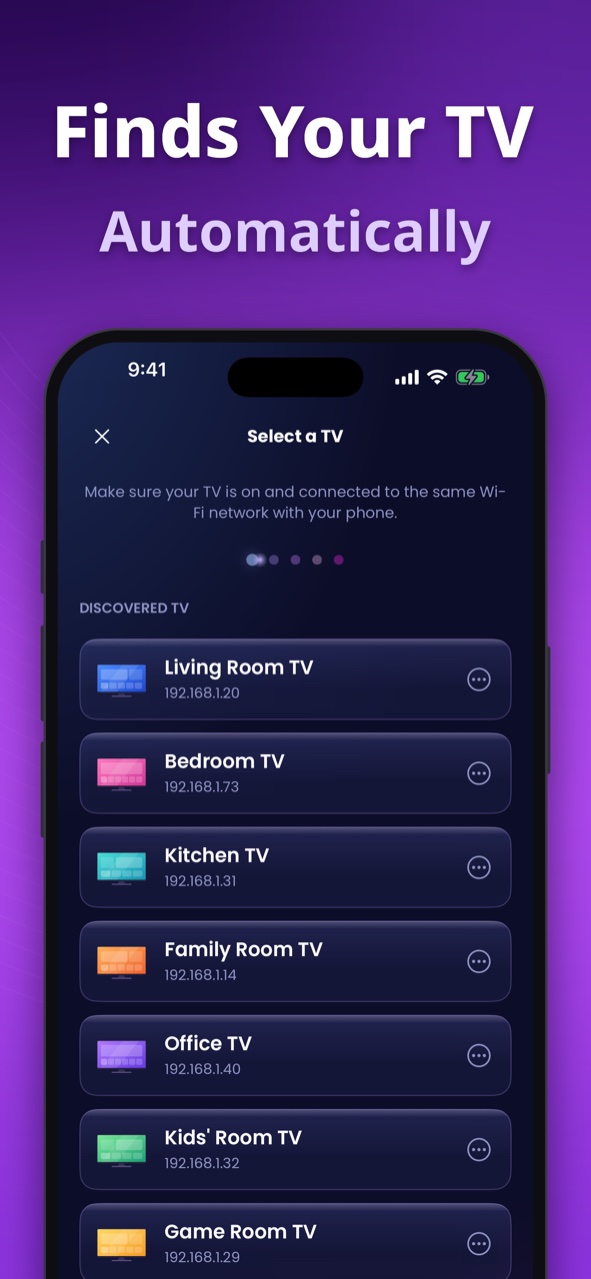
Scans your Wi-Fi, lists the TVs it finds and reconnects to your last one — and can wake supported TVs from standby.
Send searches and passwords straight to the TV — no more pecking letters one by one.
Open Netflix, YouTube, Prime Video and more on your TV with a single tap.
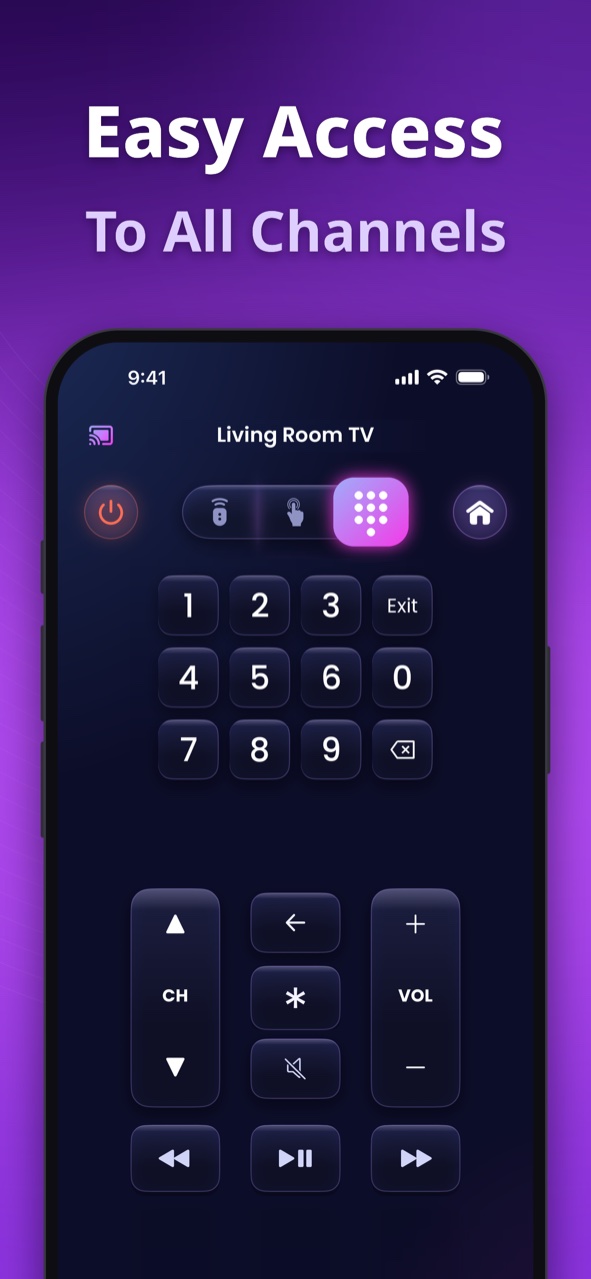
A full number pad for live TV — punch in a channel and you're there.
Control your Xbox console as well: D-pad, A/B/X/Y, View and Menu, bumpers, triggers and media keys.
TV Remote talks to most TVs directly over your home Wi-Fi — no sign-up, no dongles, hubs or IR blasters.
A clean, modern interface that feels right at home on your phone.
No accounts to create, no extra hardware — just your phone and your Wi-Fi.
Make sure your phone and Smart TV are connected to the same Wi-Fi network.
Open TV Remote and tap “Tap to connect TV”. It scans your network and lists the TVs it finds.
Pick your TV. Some TVs ask you to allow the connection or enter a code shown on screen the first time — after that, TV Remote reconnects on its own.
TV Remote supports nine Smart TV platforms: Samsung (Tizen), LG (webOS), Roku, Amazon Fire TV, Apple TV, Vizio (SmartCast), Google TV / Android TV, VIDAA and Xumo. That covers brands like Sony, TCL, Hisense, Toshiba, Insignia and onn too, since their TVs run these systems. On iPhone and iPad, it can also control Xbox consoles.
No. TV Remote controls your TV over your home Wi-Fi network. As long as your phone and TV are on the same network, you're ready to go — no dongles, hubs or IR blasters required.
First, confirm both devices are on the exact same Wi-Fi network (not a guest network). On iPhone, open Settings > TV Remote and turn on the "Local Network" permission; on Android, make sure TV Remote is allowed to access your local network. Restarting your router and TV also clears most discovery issues.
Subscriptions are handled by the store you bought from. On iPhone, view or cancel anytime in Settings > [your name] > Subscriptions; on Android, in the Google Play Store under Payments & subscriptions. See the Terms of Use for full details.
TV Remote doesn't require an account, and it controls most TVs directly over your own network. Read our Privacy Policy for the full breakdown.
Download TV Remote free on iPhone, iPad and Android — and control every TV in your home from one app.
Scan to downloadPoint your phone's camera here to get the app.